
Product Configurator
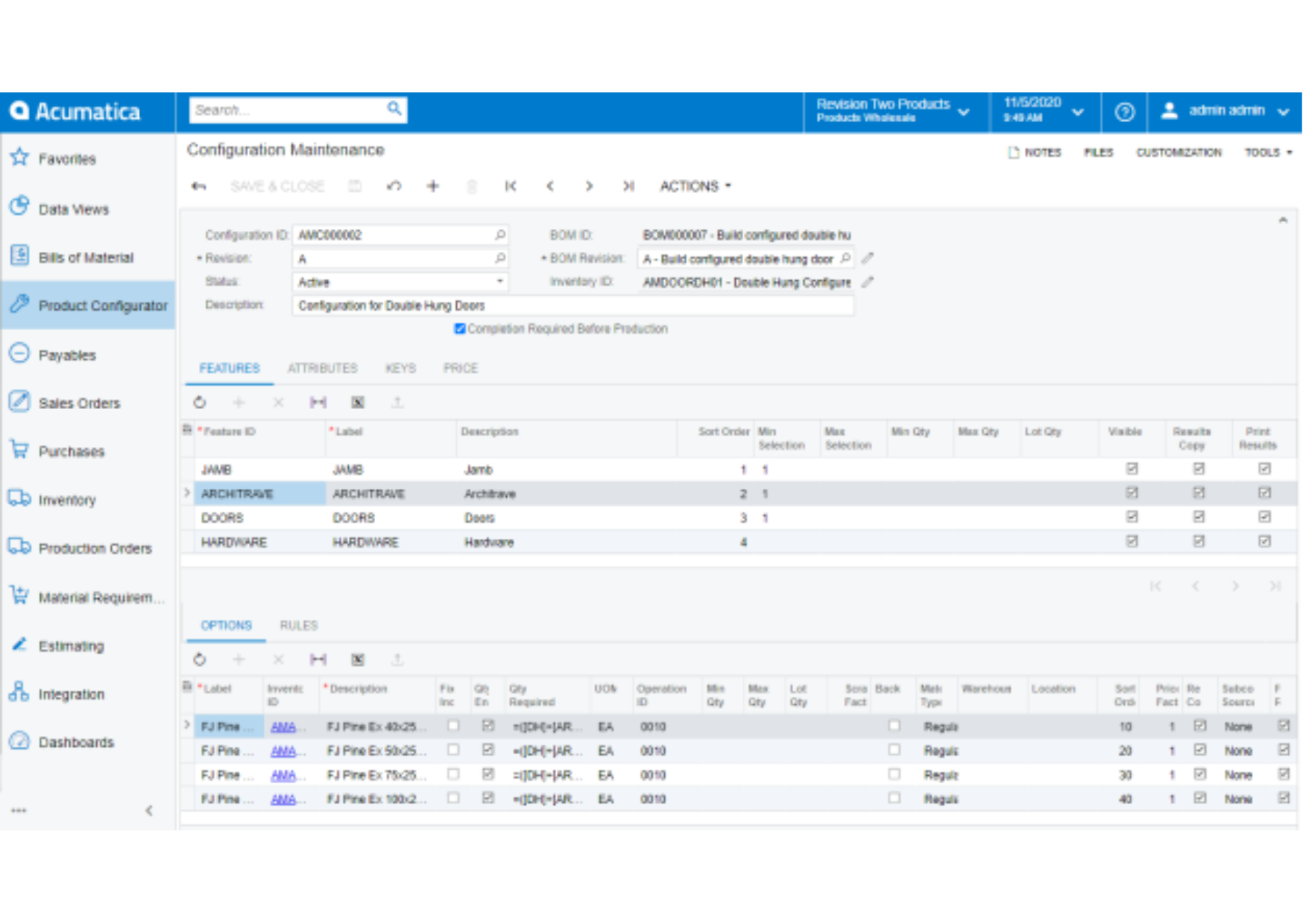
The rules-based product configurator provides flexibility to define attributes and formulas to create a unique bill of material and routing for finished goods with calculated costs and pricing. Configure products based on features, options, and dimensions to streamline the quote-to-order and manufacturing process. Configure manufactured items for quotes, sales orders, and production orders.
Key business benefits
Related Resources
Configure-to-Order Manufactured Products, BOMs, and Prices
Create production orders from sales order entry for newly configured parts. Tailor quotes and orders to include configuration details on printed forms and reports.
Create unique manufactured parts with bills of materials and routings using the rules-based manufacturing Product Configurator. Flexible configuration rules calculate component quantities, costs, and customer pricing.
Rules-based product configurators use pre-defined attributes, features, and options to create custom-manufactured parts using dependency rules and user-defined formulas. The Product Configurator is available from Sales Order Entry and CRM Opportunities.
Each configuration can be identified with a unique configuration key. The key contains the parameters selected for the configuration. The configuration key can be referenced to generate new configurations to use as templates to create similar manufactured products using previously defined parameters in case of repeat orders.
Configuration rules provide flexible definitions for costing and pricing using base definitions with mark-up amounts or percentages for each feature and option selected.
The Product Configurator supports dependency rules across features and options where selecting one option in a feature set can restrict or require options in other feature sets. For example, a particular door style choice in the door feature set can require a specific jamb type in another feature set or restrict the list of available hardware options in another feature set.
Acumatica seemed to have the best alliance to meet our very customised need around our rug configurator, so infinite combination of size and [style or colour] combinations, which the manufacturing module and the configurator were able to meet.
–Peter Bonoff, Global Operations, Curran
Configure-to-Order
Configure any finished good using predetermined features and options. The results of the configuration carry forward to a production order.
Configure-to-Stock
Manufacturers may build configured products to stock in advance of peak demand seasons using the product configurator to define forecasted finished goods and their variants.
Price Calculation Options
Acumatica supports flexible price calculations for configured products. Calculate prices using a fixed price defined for the parent finished good. You can also roll up the sales price for configuration options and order multiples, including or excluding fixed materials on the bill of material. Prices may also be calculated using defined parent prices plus rolled-up costs for child items and their respective options.
Dimensional Capability
Use multiple dimensional calculations and formulas to calculate the material requirements for specific components of each unique configuration.
Order History and Look Up
Quickly look up a customer’s previous configuration to create a new order or make adjustments from the prior configuration.
Formula Validation
Validate formula calculations based on a minimum or maximum attribute value or the quantities chosen for selected features and options.
Non-Stock Items
Include non-stock items with stock items in configurations.
CRM Opportunities
Create configured items for sales opportunities in CRM.
Quote to Sales Order Conversion
Configured items on quotes are copied to sales orders when the quote is converted.
Print Configuration Details on Invoices
Configuration options and details may be optionally printed on customer invoices.