
Engineering Change Control
Inaccurate bill of material and routing definitions trickle down throughout the manufacturing process negatively affecting material planning, cost analysis, and resource scheduling. Engineering Change Control (ECC) helps manufacturers to maintain control of master data in a rapidly changing world.
Key business benefits
Related Resources
Automate the Engineering Change Requests and Change Order Processes
Manage version control and updates to bills of material (BOM) and routings while controlling effectivity dates that impact material planning, costing, and scheduling. Gain insights into pending changes with full audit capabilities for historical changes. Engineering Change Control (ECC) is essential for maintaining control of manufacturing master data in a rapidly changing world. In an ever-changing or heavily regulated manufacturing company, ECC monitors the process of changing a bill of material and routing with built-in approvals workflow.
Engineering Change Control Features:
• Complete control from Engineering Change Request (ECR) to Engineering Change Order (ECO) to BOM update. Merge multiple ECRs to a single ECO for like parts.
• Automates, controls, and organizes all change requests, plans, and actual changes to a BOM and routing. The BOM Compare screen lets you see ECR, ECO, and BOM changes and variances quickly.
• Use Acumatica Approval and Assignment Maps to control the approval process for requests and change orders. You can choose if approvals are required for either or both ECR and ECO.
We get their serial number, we can see case history, the bill of materials and revisions, and we can replace a part, or substitute with a different part. Then we can tell you what production line it ran on, who was the QC person when it was put on a truck, which dock it went out from, what truck it was on, and which distribution centre it went to…
–Bill Ferron, Director of Information Technology, Portacool LLC
Engineering Change Requests
Manage engineering change requests by bill of material (BOM) and revision with requested dates, effective dates, requester names, priority codes, and additional information.
Engineering Change Orders
Tie multiple ECRs to a single ECO for the same item or skip the ECR process and manage changes directly from the new ECO.
Engineering Workbench
Shorten engineering cycles by creating or modifying a multi-level bill of material with drag-and-drop and copy-and-paste features from the interactive Engineering Workbench.
Security / Audit Log
Control user access to engineering change requests and engineering change order processes with database logs for changes with user identification and time stamps.
Engineering Dashboard
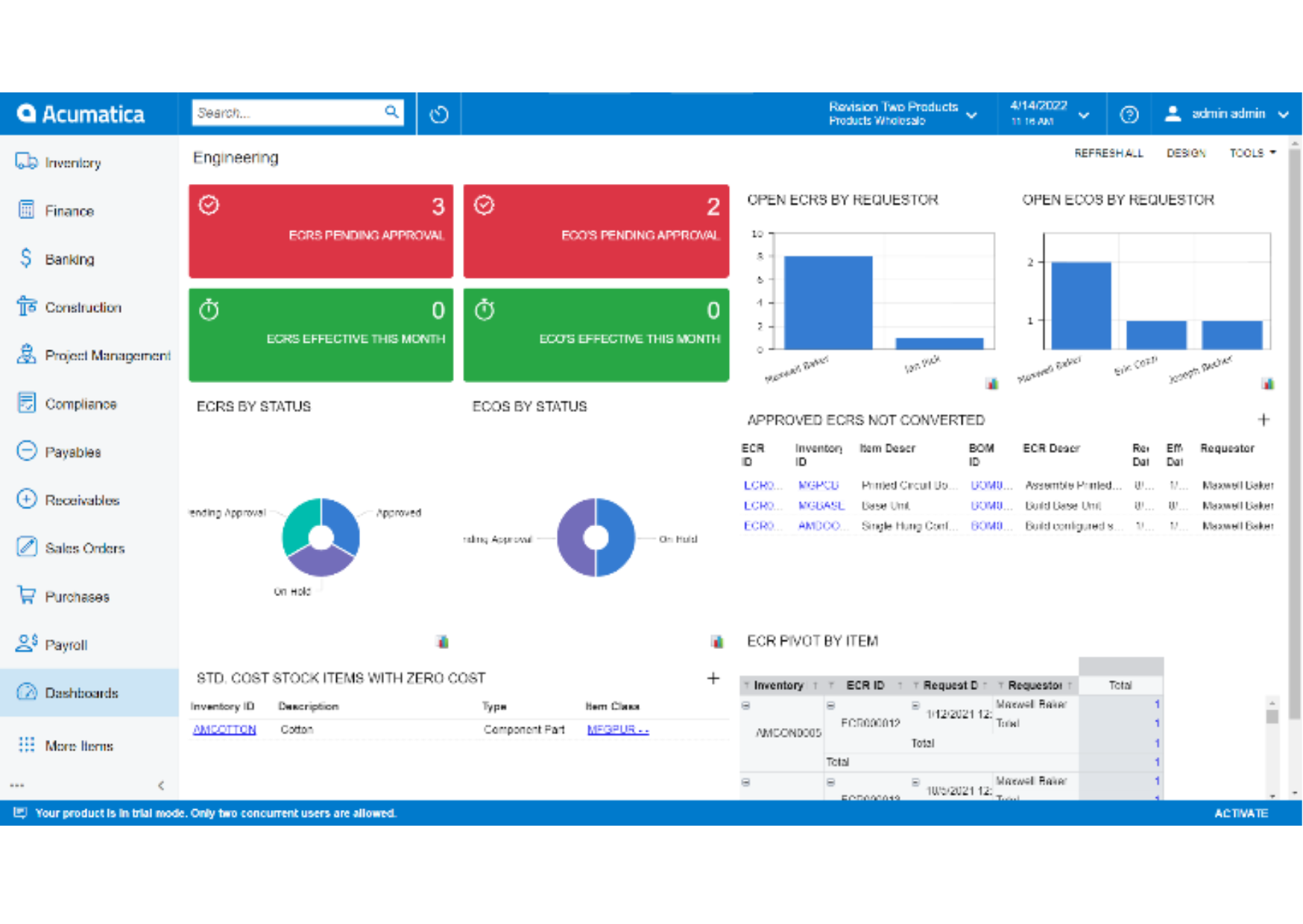
Gain insights into engineering and design with real-time data for engineering change orders, engineering change requests, and approval status.
Approval Process
Setup an automated process to route ECRs and ECOs internally for approval with optional delegation to other employees.
BOM Compare
View BOM revisions side-by-side to identify changes between versions quickly.
Side Panels
Save time with manufacturing side panels providing direct access to engineering change requests and engineering change orders without leaving data entry screens.
Optional Acumatica for Arena Native Connector
Manufacturers with complex engineering and product release processes may be interested in the Acumatica for Arena Native Connector application for connectivity with advanced product lifecycle management (PLM) features.
Optional CAD Connections
Marketplace apps like CADLINK by QBUILD support CAD integration with engineering change orders to synchronise engineering changes from design applications.