
Project Accounting
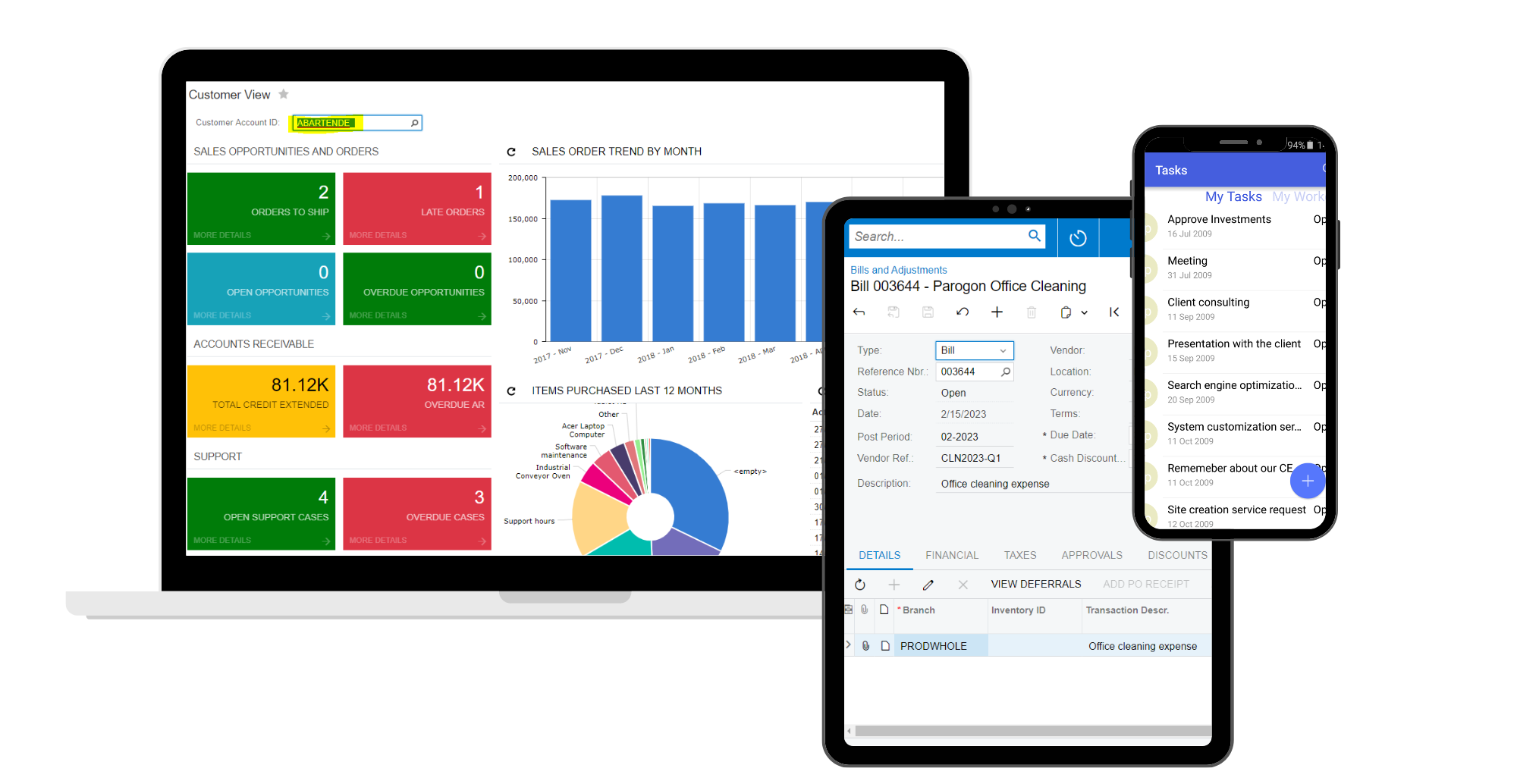
Manage budgeting, inventory, change orders, time sheets, billing, profitability, and reporting for individual business initiatives. Projects are included in company-wide financial reports with full multi-currency support.
Key business benefits
Related Resources
Streamline Budgets, Inventory, Orders, Billing, Expenses, and Time Sheets
Acumatica Project Accounting is ideal for professional services organisations, such as engineering and construction firms, marketing companies, consultants, and law firms. Project accounting is also beneficial for project-driven manufacturers who make products used in larger projects. Project Accounting software integrates with Acumatica General Ledger (GL), Accounts Payable (AP), Accounts Receivable (AR), Sales Order Management, Purchase Order Management, Inventory Management, and more.
Expense Allocation – Allocate overhead and shared expenses to individual projects, including billable or nonbillable items.
Revenue Recognition – Define billing rules to recognize revenue using the percentage of completion or the completed tasks method. All recognition rules are automatically reflected in the GL journal entries.
Budget Tracking –Include inventory items, nonstock items, labour, services, and more in project budgets. Compare actual project costs with original and revised budgets by period with real-time reports. WIP Support – Keep better track of costs by correctly accounting for work in progress and avoid impacting COGS prematurely.
Resource Management – Assign project managers, employees, machines, and other resources to individual projects and tasks.
Gaining project level profitably was a key cornerstone moment because it was no longer something that was assumed. Now I am actually seeing it and to have the ability to pull reports and see the data was really eye-opening.
–Chris Williams, Director of Business Operations, Interaction Associates
Change Orders
Improve project management by controlling changes to the project scope, including customer and internal requests. Create a change order with all the documentation, including the revenue budget, cost budget, commitments, and class.
Billing Mark-Up
Set up projects to bill cost-plus or fixed contract costs. Apply markup at the customer level and vary according to labour and service type to provide maximum flexibility.
Forecast Project Budget by Period
Enter and modify project budget forecasts and compare these forecasts with the actual project costs and incomes for each financial period.
Link Timesheets to Projects
Employees can enter timesheets in the employee portal or enter activities linked to projects in CRM. Both options link hours to specific projects and budgets.
Integrate with Other Applications
Project features are available in the General Ledger, Accounts Payable, Accounts Receivable, Sales Order Management, Purchase Order Management, Employee Portal, and Inventory Management modules. Other integrated applications include CRM, Manufacturing, and Field Service.
Scalability
Use templates to create new projects with pre-set configurations. In addition, cloud scalability enables you to include multiple concurrent users for projects.
Task Definition
Assign tasks for individual or global projects. Assign tasks specific billing rates by project, job role, and individual resources. Project budgets reflect expected revenues.
Add Project Activity Directly
Easily add activities from CRM or import activities from external systems. As a result, information is integrated and used later in worksheets and billable data.
Simplify Corrections
If a bill was generated and misapplied, it could be reversed and regenerated. Simplify corrections based on general ledger account or subaccount, project or project task, and cost code.
Create Billing Rules
Manage the most complex billing rules and easily calculate project revenue based on key project-specific attributes.
Manage Project Quotes
Create quotes, update them, link them to CRM, track versions, and create projects.
Labour Cost Rates
Define costs by employee, labour item, project, project task, and the rate type, particularly for construction prevailing wage and union requirements.
Project Material Management
Streamline the management of project materials, including receipts and issues for purchased materials. Create requisitions with approvals workflow and create purchase orders to ship materials directly to a project location.